GPT Image 2 rewards structure. Treat every prompt as a production brief with a clear artifact, visual facts,
exact copy, and a preserve/change contract. This playbook merges the practical patterns behind OpenAI image
prompting, fal's GPT Image 2 examples, and the generated examples above into one reusable workflow.
01
Visual facts beat praise
Replace "stunning masterpiece" with material, light, framing, texture, surface wear, layout, and camera feel.
02
Write the artifact first
"Create a roadside billboard..." or "Create a mobile onboarding screen..." sets mode, density, and finish before style words interfere.
03
Use labeled sections
Scene, Subject, Important details, Use case, Constraints is easier to debug than one long paragraph.
04
Treat text as typography
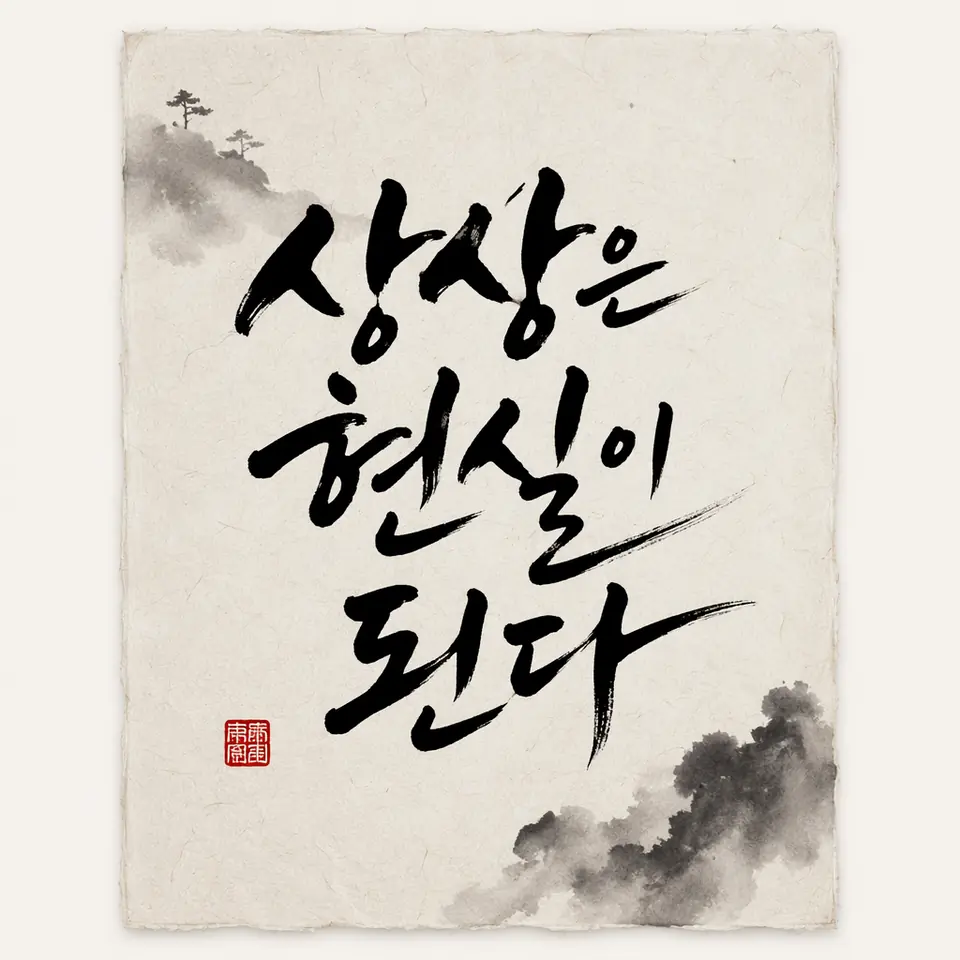
Use quoted exact text, define placement and type style, spell difficult words letter by letter, and forbid duplicate or extra text.
05
Split change and preserve
For edits, say "change only X" and inventory the invariants: face, pose, product label, layout, shadows, camera angle, and background.
06
Label every reference
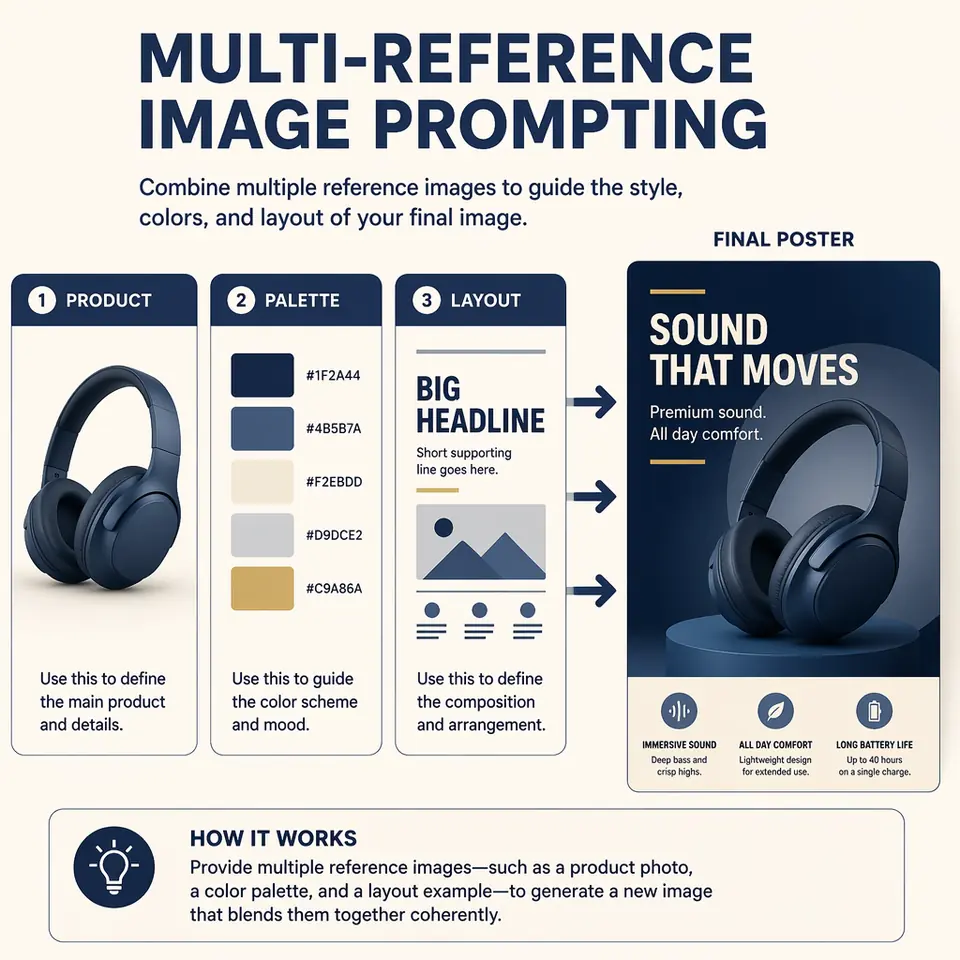
Use role labels like product, palette, lighting, garment, pose, style, or base scene so multi-image prompts stay grounded.
07
Constrain real brands and IP
For publishable examples, request fictional brands, original characters, no watermarks, no real franchise logos, and no trademark drift.
08
Generate variants early
Create several directions first, choose the strongest composition, then use precise edit prompts on the winner.
Photoreal editorial
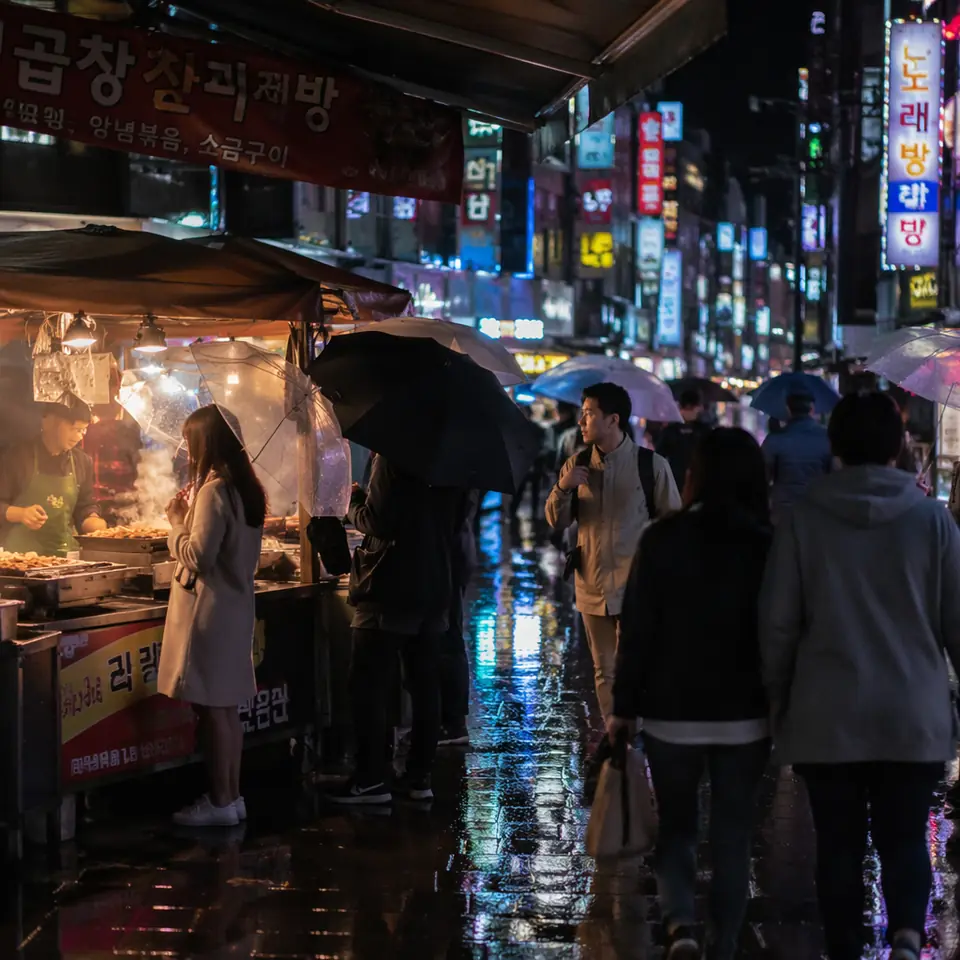
Scene: a small coastal market just after dawn. Subject: a fishmonger unpacking mackerel onto crushed ice. Details: rubber boots, wet concrete, warm work lamp, cold breath, paper ledger, 35mm documentary feel, realistic skin and fish scales. Use case: editorial newspaper photo. Constraints: no commercial styling, no watermark.
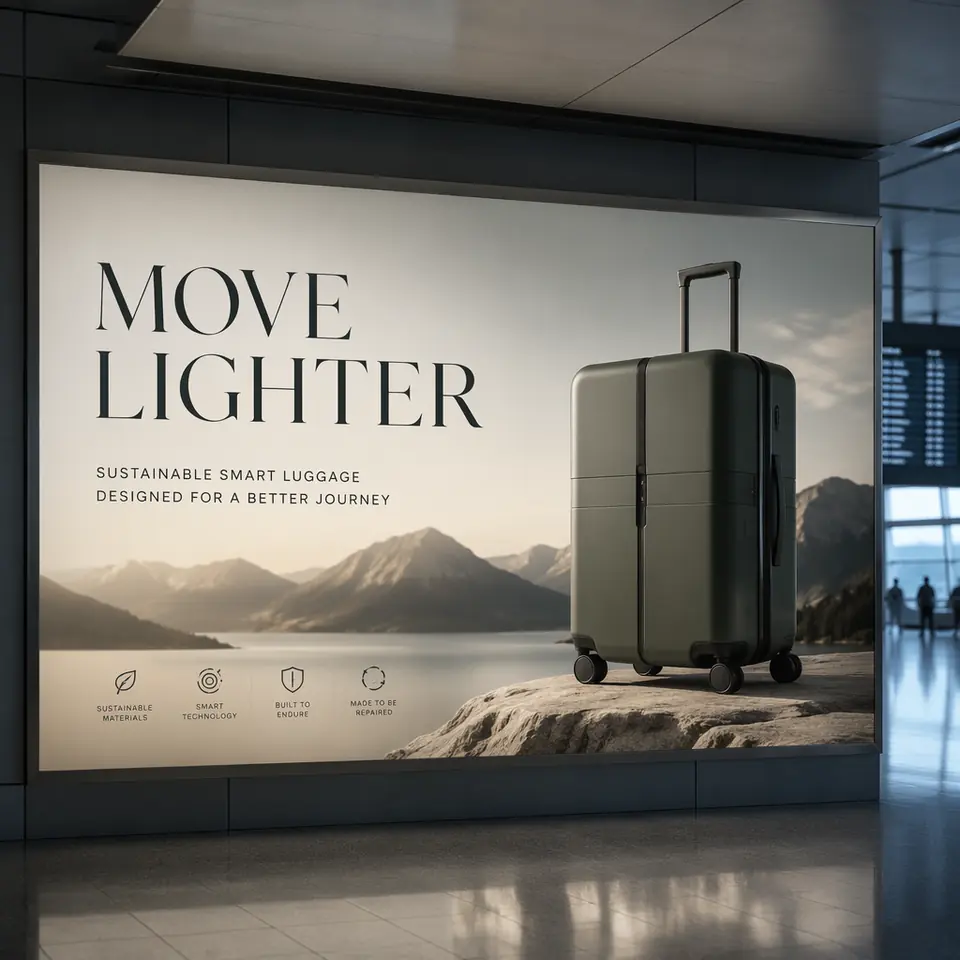
Product ad with exact text
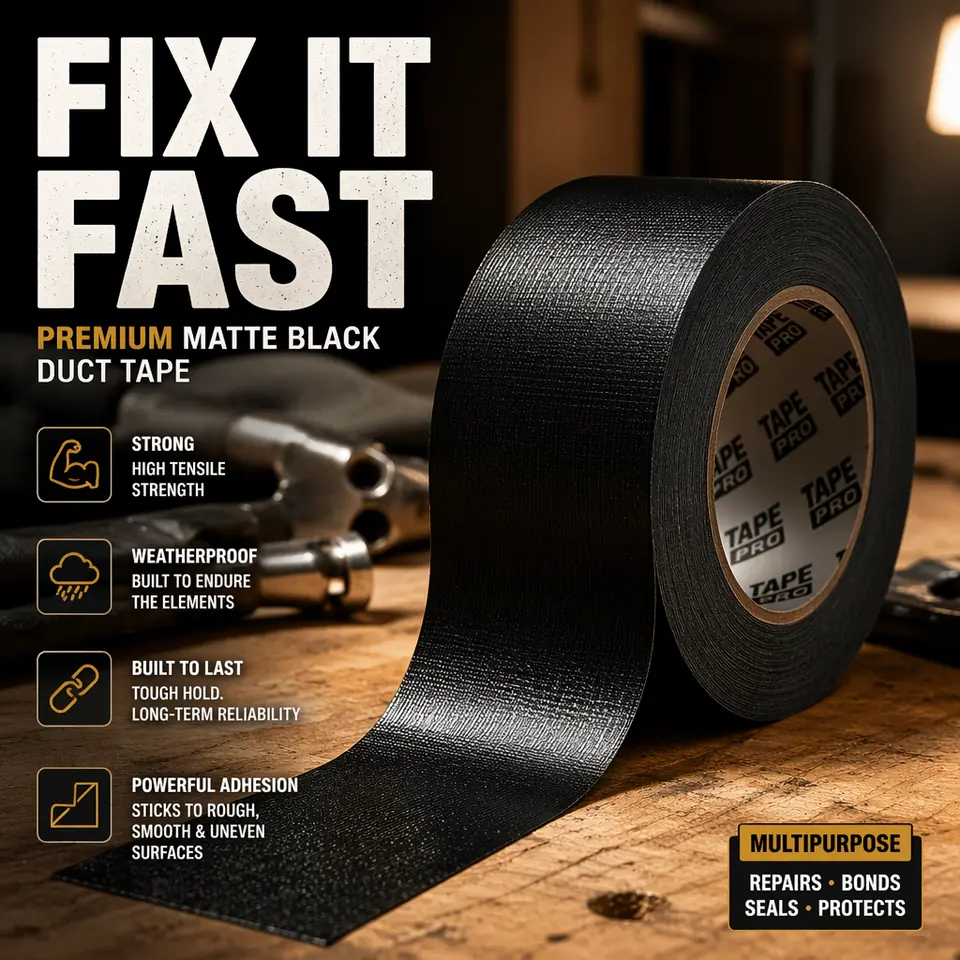
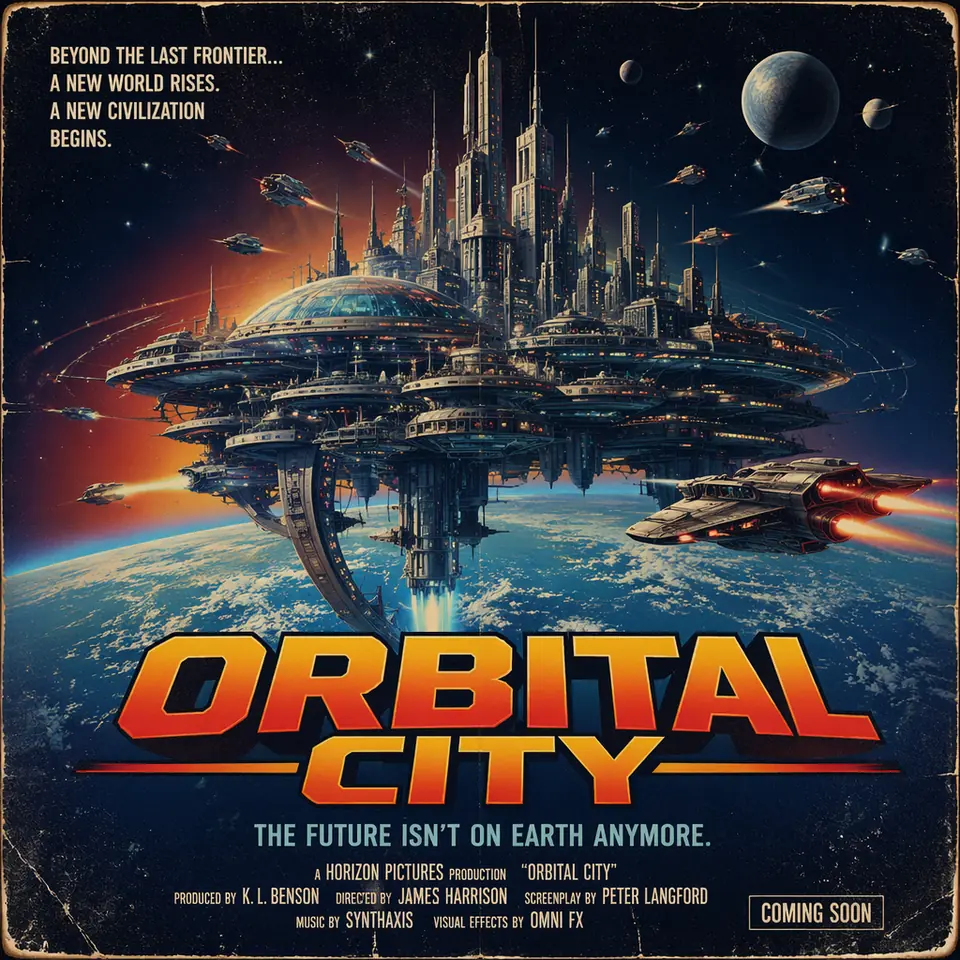
Create a realistic roadside billboard at sunset. Headline EXACT TEXT: "Fresh and clean". Typography: bold sans serif, centered left, high contrast, readable from distance. Layout: product on right, generous negative space. Constraints: no extra words, no duplicate text, no watermark, no extra logos.
Readable typography
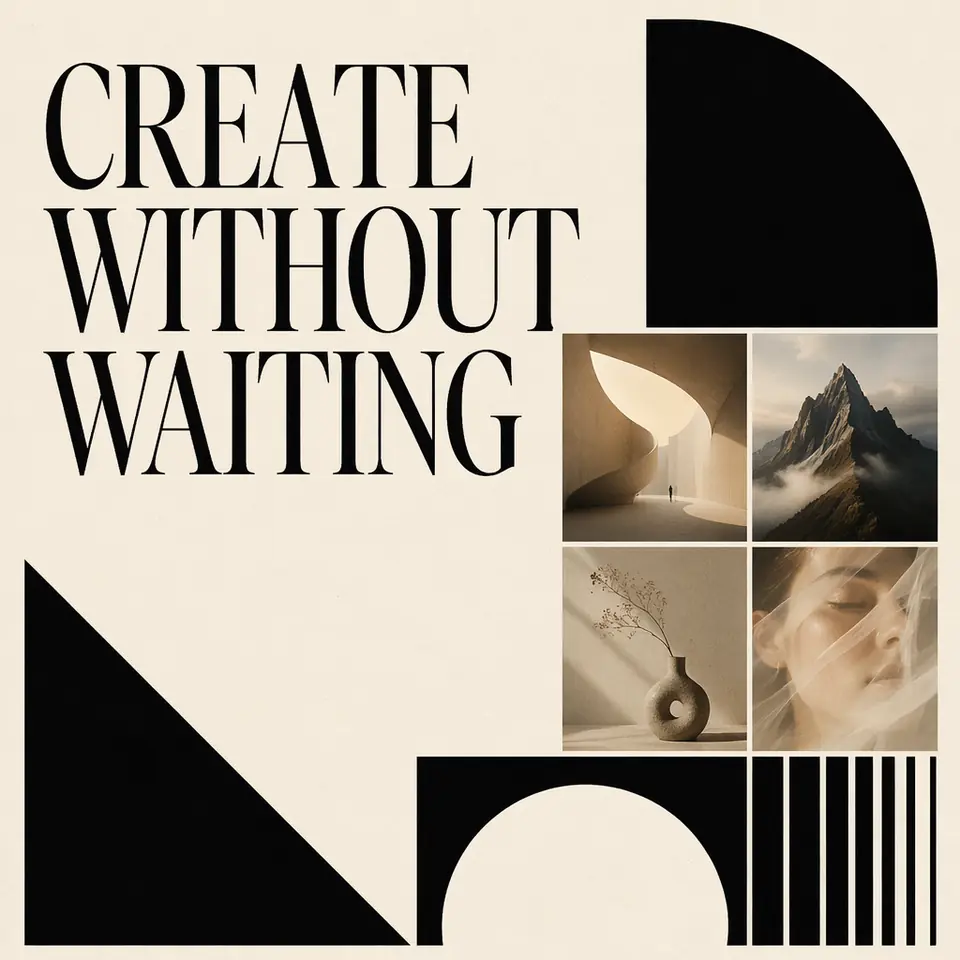
Create a square social card with the exact title "ChatGPT Images 2.0 Free". Use editorial magazine spacing, large readable typography, cream background, small AI image examples, and no misspelled text. One headline only. No watermark. No extra words.
Controlled cleanup edit
Remove every advertising sign and poster from the storefront windows. Preserve the awning, brick facade, mullions, reflections, sidewalk, people, lighting, white balance, and film grain exactly. Reconstruct clean glass naturally. No ghosting, no leftover adhesive marks, no watermark.
UI screenshot concept
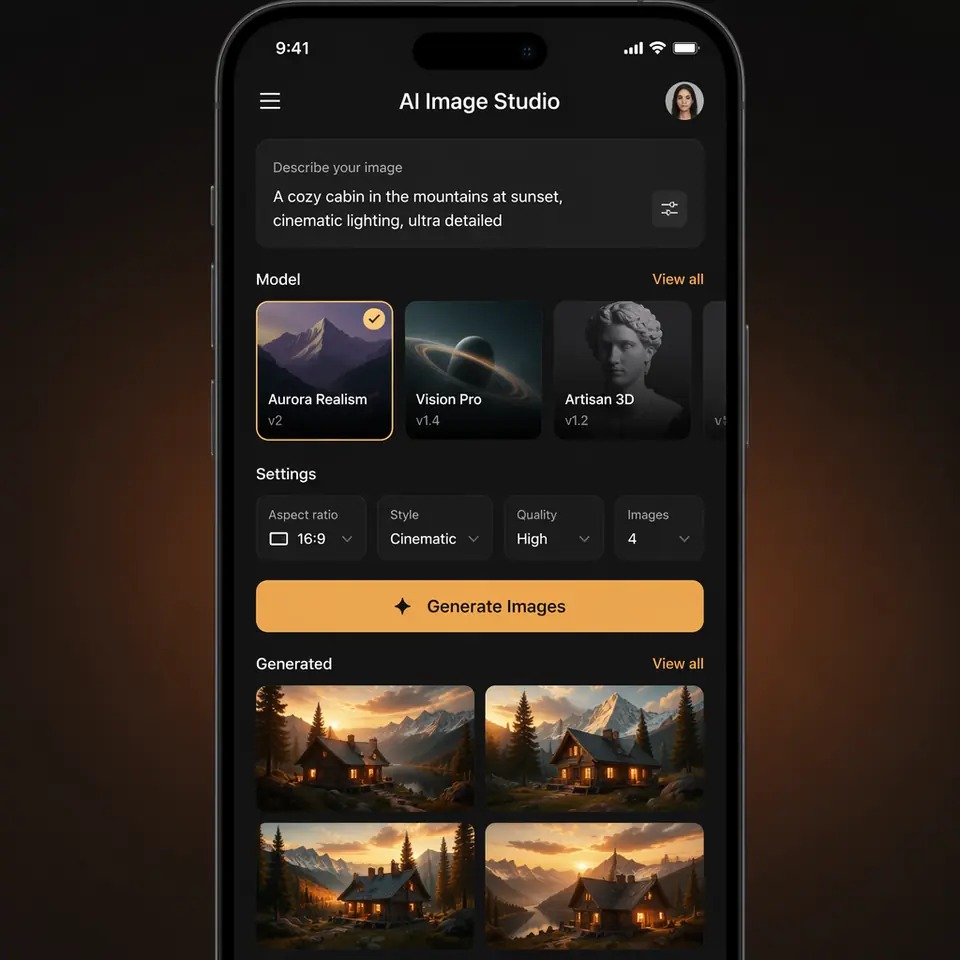
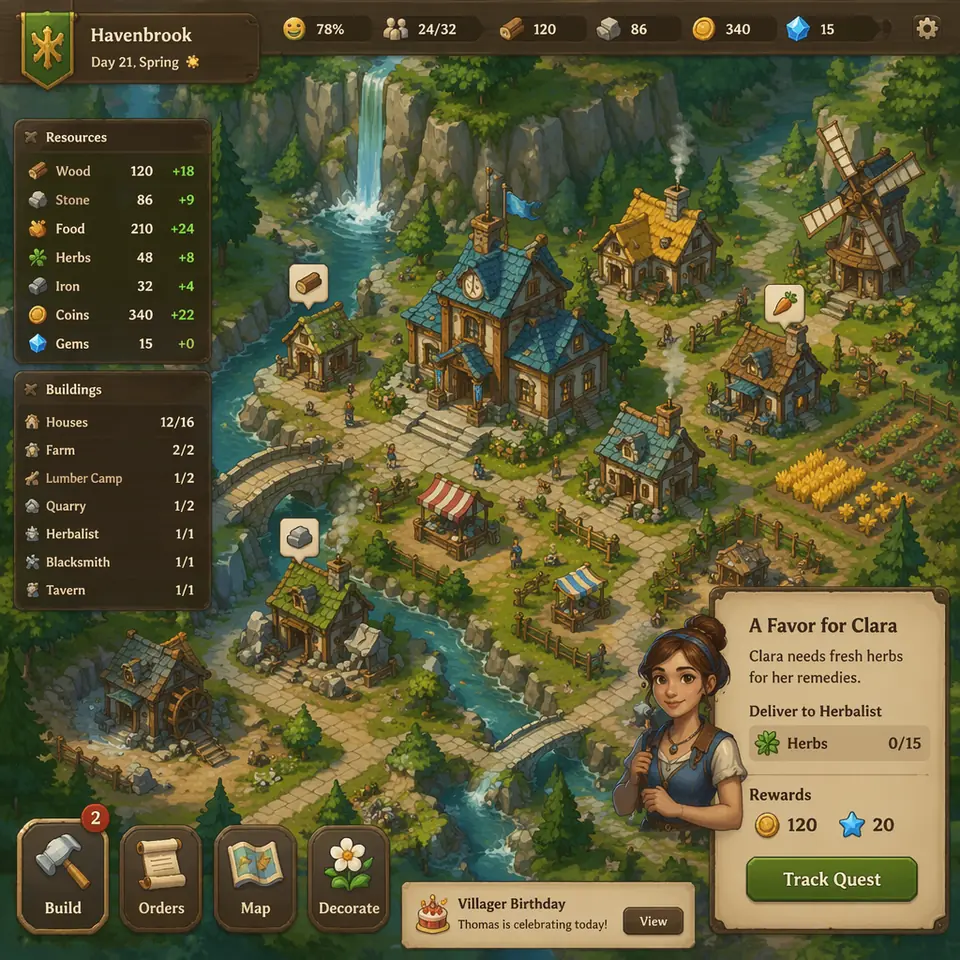
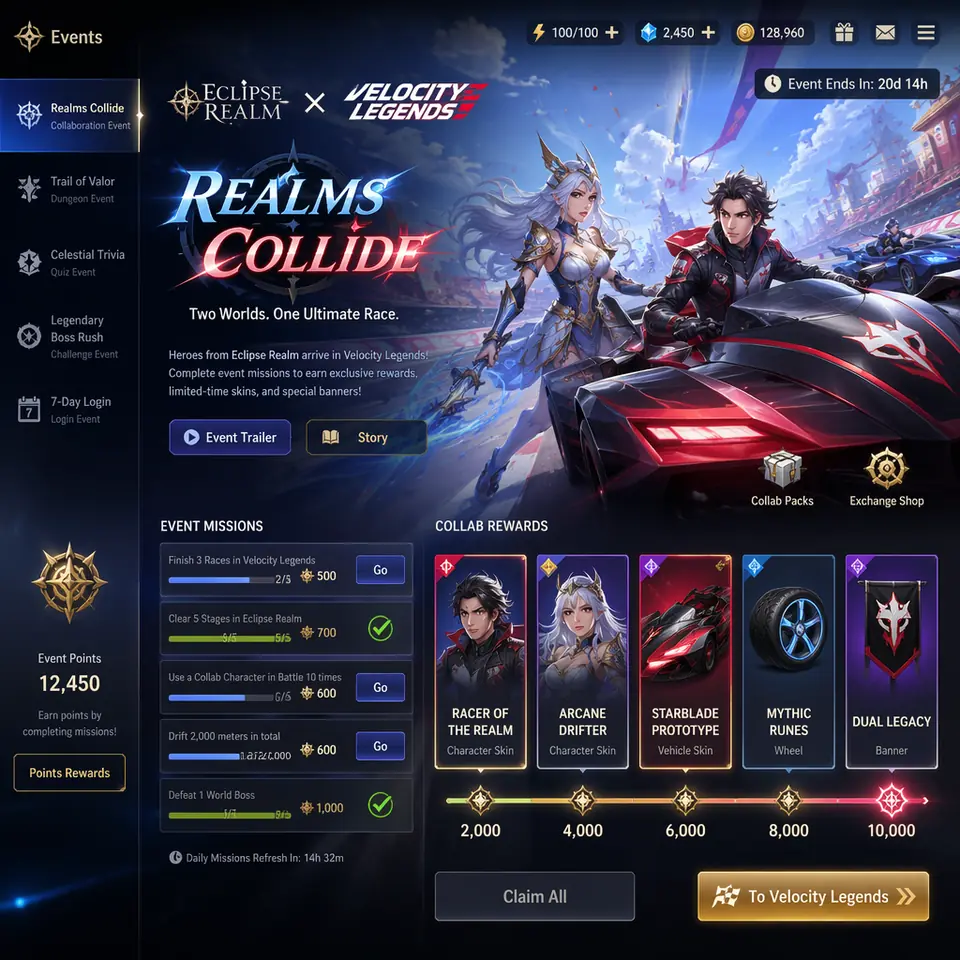
Create a vertical mobile onboarding screen for a fictional app called NESTING. Headline: "WELCOME TO NESTING". Supporting line: "A quieter way to gather people around a table." Buttons: "Get started" and "I already have an account". Warm cream background, coral primary button, rounded sans serif, exact readable copy, no real app branding.
Educational infographic
Create a classroom infographic titled "CELLULAR RESPIRATION AT A GLANCE". Show glycolysis, Krebs cycle, and electron transport chain with arrows. Label glucose, pyruvate, ATP, NADH, FADH2, CO2, O2, and H2O. White background, simple icons, readable labels, no tiny body copy.
Virtual try-on
Image 1 is the person to preserve. Image 2 is the jacket. Image 3 is the trousers. Image 4 is the boots. Dress the person using Images 2-4. Preserve face, skin tone, body shape, hands, hair, expression, pose, background, camera angle, framing, and lighting exactly. Replace only clothing. No jewelry, bags, text, or logos.
Style transfer
Use the same visual language as Image 1: chunky pixel forms, limited arcade palette, bright glow accents, clean silhouette edges, playful 1980s poster energy. Generate a new scene of a motorcycle chase through a neon desert at night. White background. No watermark.
Sketch to photoreal
Turn this drawing into a photorealistic landscape. Preserve the exact layout, horizon line, river path, mountain placement, tree placement, and overall perspective. Add realistic materials, sunrise lighting, soft mist, rock texture, vegetation, and water reflections. Do not add people, buildings, animals, or text.
Interior object swap
Replace only the white dining chairs in this room with natural oak wooden chairs. Preserve camera angle, table shape, window light, floor shadows, table reflections, cabinet geometry, refrigerator reflections, and all surrounding objects. Keep the room otherwise unchanged. Add realistic contact shadows and believable wood grain.
Character consistency
Continue the children's book story using the same forest helper. Keep the same face, green hooded tunic, soft brown boots, proportions, palette, and gentle personality. New scene: rescuing a frightened squirrel after a winter storm. Same watercolor look, warm comforting mood. Do not redesign the character. No text.
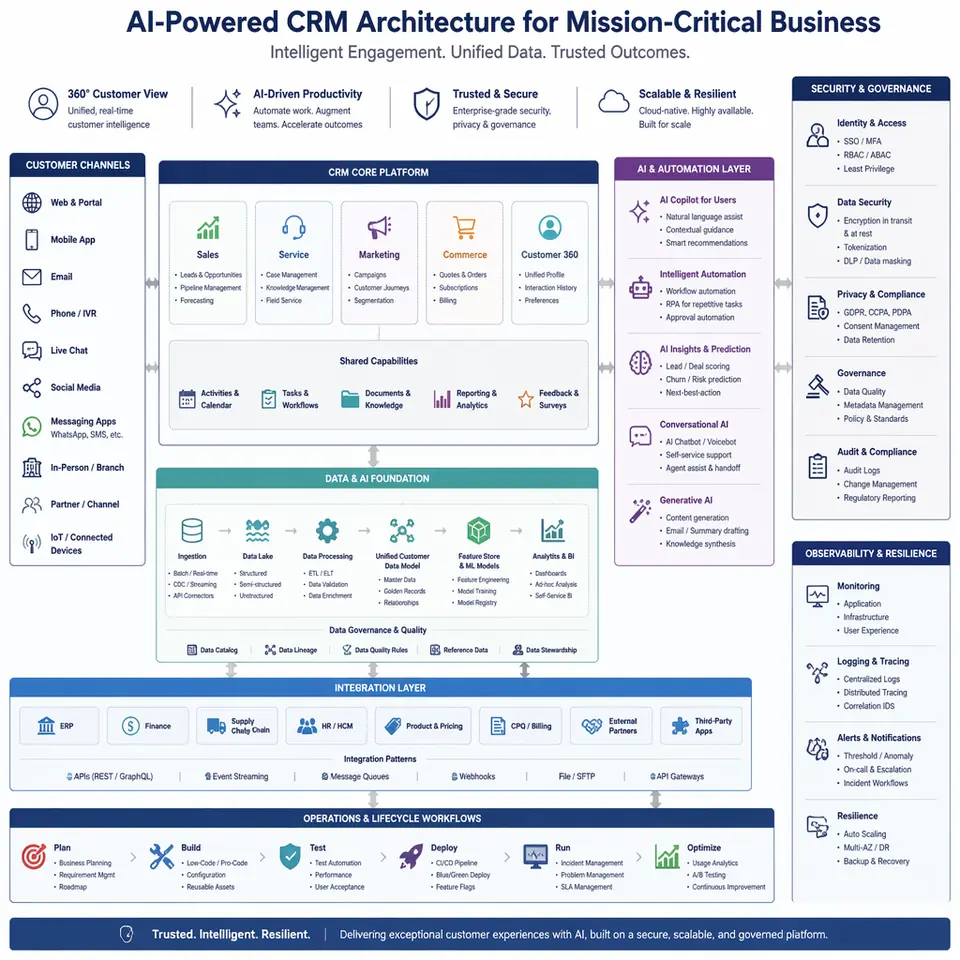
Enterprise architecture diagram
Create an executive-ready AI CRM architecture diagram. Show customer channels, CRM core, AI automation, data pipelines, integrations, security, governance, observability, and operations. Premium consulting proposal style, readable labels, polished spacing, no tiny text.
Weather and lighting edit
Change only the weather and lighting. Make the scene look like a winter evening with light snowfall. Preserve identity, geometry, camera angle, object placement, composition, signs, buildings, and people in the same positions. Match shadows and atmosphere naturally. No watermark.
Retro terminal screen
Create a photograph of a 1992-era CRT monitor showing a bulletin board system terminal. Phosphor green text on black. ASCII banner: "THE NIGHT OWL BBS". Menu items: 1 Message Base, 2 File Library, 3 Chat Rooms, 4 User Config, 5 Log Off. Dusty bezel, scanline glow, no modern UI, no watermark.
Fictional archive material
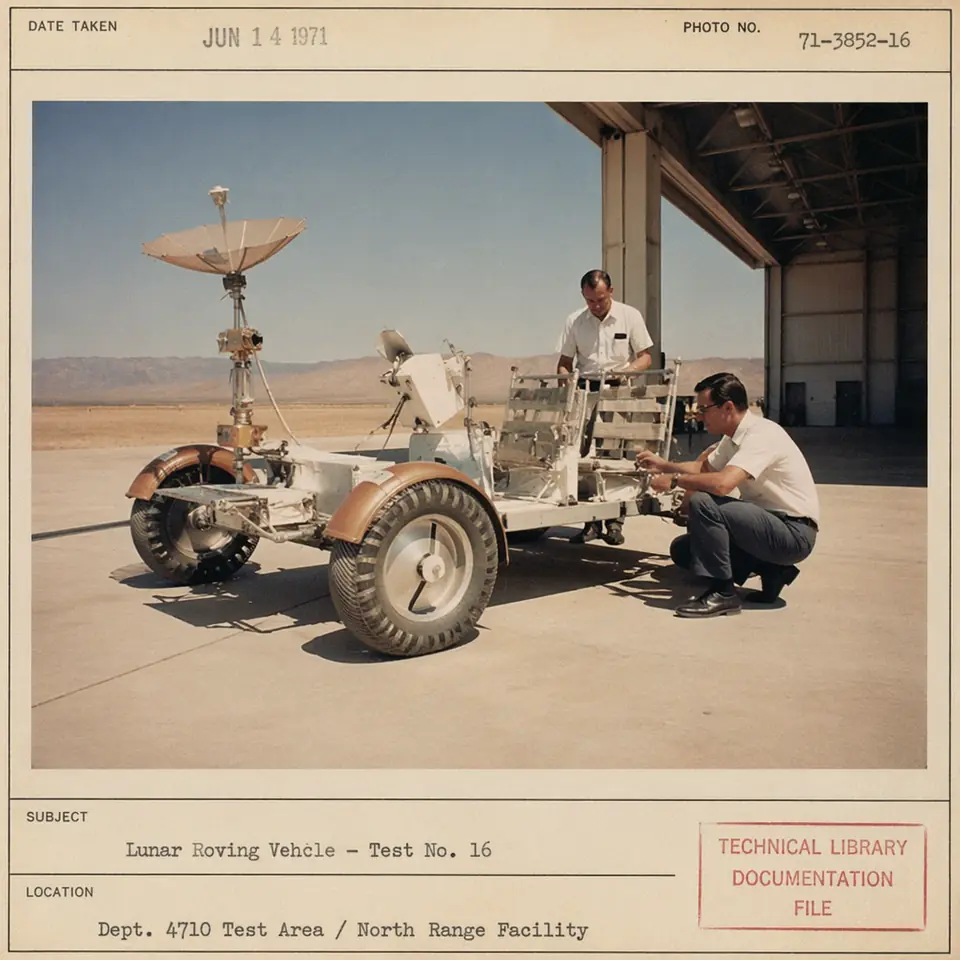
Create a fictional 1970s engineering archive photo of a lunar rover test inside a desert hangar. Faded Kodachrome, stamped paper border, dusty tools, period-correct equipment, authentic era texture, no real agency logos, no watermark.
Original manga page
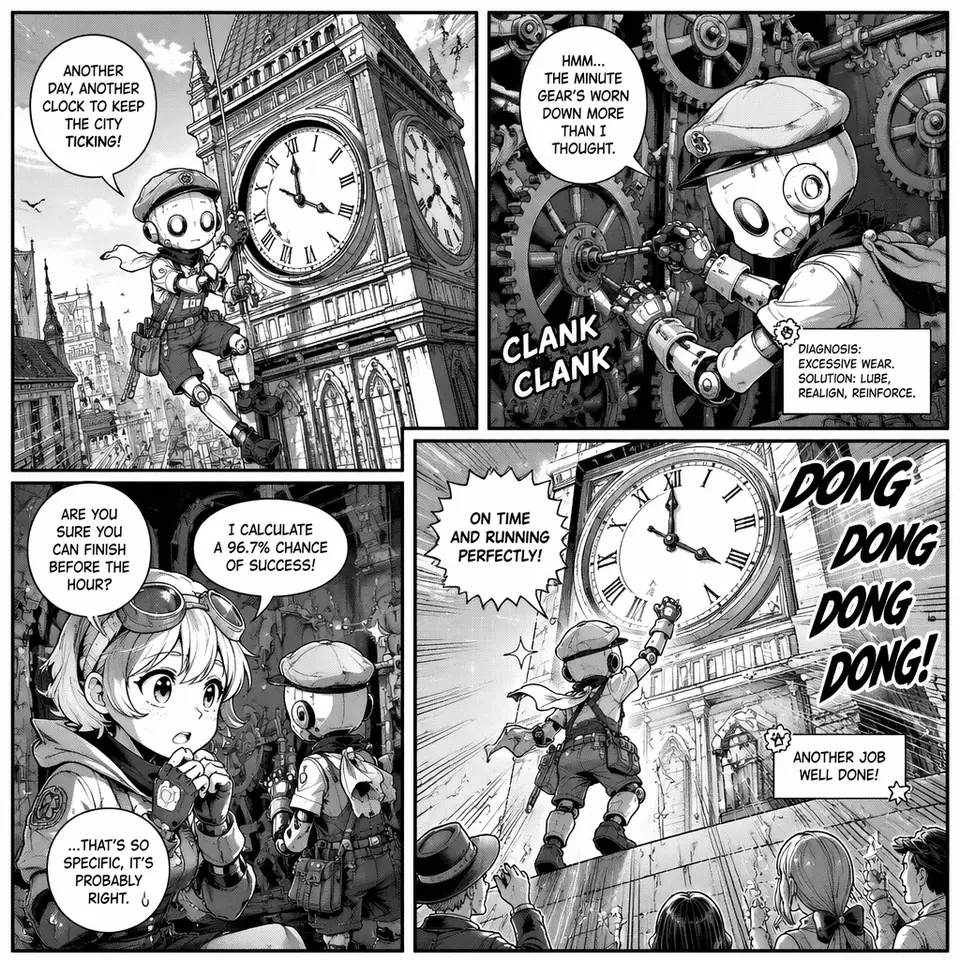
Create an original black-and-white manga page with four panels about an apprentice robot repairing a city clock. Dynamic panel layout, screentones, readable action flow, expressive original characters, no existing manga style names, no copyrighted characters.
Image translation
Translate only the visible text in this poster to Spanish. Preserve the original typography hierarchy, margins, colors, illustrations, logo position, spacing, and overall layout. Do not add commentary, new slogans, new icons, or redesigned elements. If a translated line needs more room, adjust line breaks only as much as necessary.
Logo exploration
Create four original logo directions for a bakery called "Field & Flour". Warm, simple, timeless, vector-like, readable at small size, balanced negative space, no gradients unless essential. Show each mark centered on a plain background with generous padding. No trademark references, no mockup scene, no watermark.
Four-panel comic
Create a vertical four-panel comic reel. Panel 1: a pet watches its owner leave. Panel 2: silence turns into mischief. Panel 3: the living room becomes a tiny kingdom. Panel 4: the owner returns and the pet sits perfectly innocent. Clear panel borders, readable action, expressive timing, no captions unless requested.
Scientific slide
Create one landscape teaching slide titled "How A Battery Stores Energy". Show anode, cathode, electrolyte, separator, ion flow, electron flow, charge, and discharge. Use clean classroom diagram style, large labels, arrows with consistent direction, white background, high contrast, no decorative clutter, no tiny footnotes.
Pitch-deck chart
Create a Series A style pitch slide titled "Market Opportunity". Include a TAM/SAM/SOM diagram, a simple growth bar chart from 2021 to 2026, believable numeric labels, tight grid alignment, startup-deck typography, restrained blue-gray palette, and a logo placeholder. Make every label legible. Avoid stock photos and clip art.
Product cutout
Extract the product from the input image onto a clean opaque white background. Preserve product proportions, cap shape, label text, label colors, and edge geometry exactly. Add only light polish and a subtle contact shadow. No halo, no fringing, no label rewriting, no redesign, no new packaging elements.
Packaging mockup
Create premium blister packaging for an original collectible toy airplane called "Christmas Memories Edition". Vintage toy proportions, lightly worn paint, clear plastic blister, card backing with tasteful holiday design, realistic retail photography, sharp label printing, no brand logos, no real franchise references, no watermark.
Person into scene
Place the person from Image 1 into a realistic Yosemite campsite at dusk while preserving their face, body proportions, hair, expression, and camera-facing geometry. Match the scene lighting, ground shadows, scale, and lens perspective. Keep the result grounded like an unposed photograph, not a movie poster.
Multi-image composite
Image 1 is the room to preserve. Image 2 is the chair design. Image 3 is the fabric texture. Replace only the dining chairs in Image 1 using the shape from Image 2 and material feel from Image 3. Preserve walls, windows, table, floor, shadows, camera angle, and all surrounding objects.
Object removal
Remove the flower from the man's hand. Preserve his fingers, hand pose, sleeve, face, background, lighting, camera angle, color grading, and image grain. Reconstruct the hidden hand area naturally with no blur patch, no ghost outline, no new object, no watermark.
Historical scene
Create a realistic outdoor crowd scene in Bethel, New York on August 16, 1969. Period-accurate clothing, field staging, weathered film color, authentic crowd density, improvised signage, distant music stage atmosphere, natural daylight, no modern phones, no modern vehicles, no watermark.
Natural photorealism
Create a candid photograph of an elderly sailor on a small fishing boat adjusting a net while a dog waits nearby. Weathered skin, faded tattoos, worn deck materials, coastal daylight, 50mm documentary feel, shallow depth of field, subtle film grain. Honest and unposed. No glamour retouching.
Readable menu board
Create a real photo of a 24-hour diner menu board at 5 AM. Plastic letter tracks, yellowed bulbs, uneven spacing, one missing slot, readable category labels, and a daily special line reading "CHICKEN FRIED STEAK 8.25". Physical sign realism, no gibberish, no extra menus, no watermark.
Documentary sign
Create a documentary photograph of a handmade cardboard sign held in winter rain. Exact sign text: "FUND THE LIBRARIES". Wet cardboard edges, black marker bleed, gloved hand, blurred calm crowd behind, overcast natural light. The text must be legible and appear once. No branding, no watermark.
Quiet still life
Create a square medium-format still life of elderly hands peeling garlic at a worn wooden kitchen table. Window light from the left, faded floral sleeves, chipped porcelain bowl, scattered papery skins, visible wrinkles and nail imperfections, warm restrained color. No stylization, no text, no watermark.
Character anchor sheet
Create a character reference sheet for an original children's book forest helper. Include front, side, back, three facial expressions, outfit callouts, palette swatches, and scale notes. Gentle watercolor look, green hooded tunic, brown boots, small pouch. No text blocks beyond short labels, no copyrighted character references.
Lighting relight
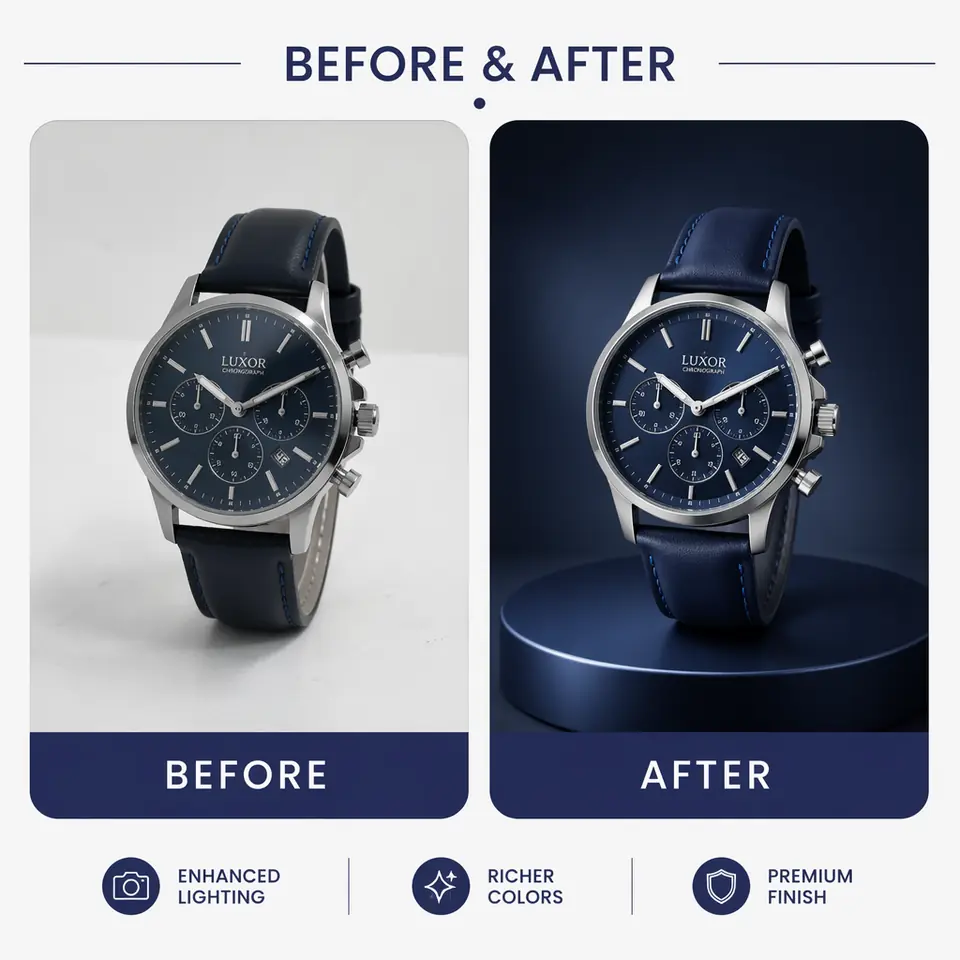
Change only the lighting in this product photo to soft overcast studio light. Preserve the object, label, proportions, camera angle, background color, crop, and surface position. Remove harsh reflections, keep material texture believable, and match shadows to the new light direction. No redesign.
Prompt repair pattern
If a result drifts, do not rewrite everything. Use a single repair instruction: "Restore the original wall texture, keep the new chair, preserve camera angle and lighting, change nothing else." Small corrections protect good composition better than a new overloaded prompt.